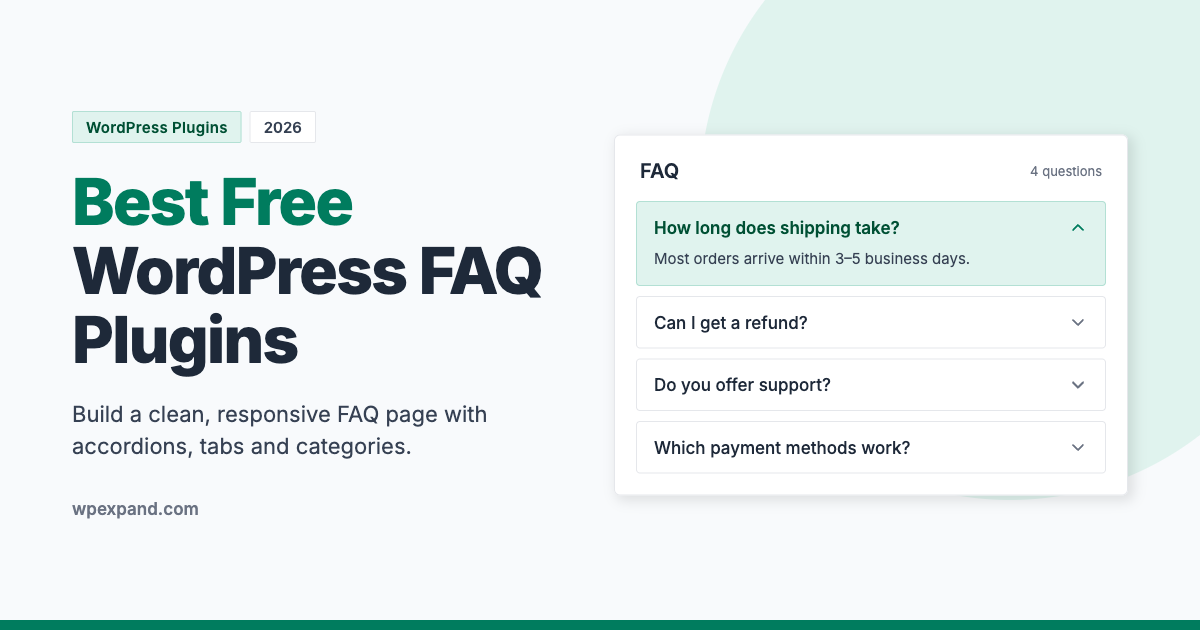
Every website gets the same questions over and over. How much does it cost? How long does shipping take? Can I get a refund? A good FAQ page answers those questions before visitors have to ask, which saves you support time and helps people decide to buy.
The easiest way to build one is with a WordPress FAQ plugin. These plugins let you add questions and answers from your dashboard and show them in neat, collapsible accordions or tabs, with no coding needed.
In this guide, we compare the 10+ best free WordPress FAQ plugins so you can pick the right one for your website.
Quick summary: our top picks
- Best overall (free): Easy Accordion
- Best for Gutenberg users: Ultimate FAQ
- Best for tabbed FAQs: Smart Tabs
- Best for filterable FAQ groups: Quick and Easy FAQs
- Best for speed: Lightweight Accordion
What Is a WordPress FAQ Plugin?
A WordPress FAQ plugin is a tool that helps you create and display frequently asked questions on your website. Instead of writing long blocks of text, you add each question and answer separately. The plugin then shows them in a clean layout, usually an accordion where visitors click a question to reveal the answer. You can place it on any page with a shortcode, block, or page builder widget.
Most FAQ plugins let you:
- Add unlimited questions and answers
- Show FAQs in accordion, toggle, tab, or list layouts
- Group FAQs into categories or tags
- Reorder questions with drag and drop
- Customize colors, icons, fonts and spacing to match your brand
Why Add an FAQ Section to Your WordPress Site?
An FAQ page does more than fill space. It works for your business every day:
- Reduces support requests: Answering common questions up front means fewer repetitive emails and chats.
- Improves conversions: Visitors who get quick answers about pricing, shipping or refunds are more likely to buy.
- Helps search engines understand your content: Clear question-and-answer content can match the way people search. Note that since 2023, Google shows FAQ rich results mainly for well-known government and health sites, but well-structured FAQs still help with relevance and AI-powered search.
- Builds trust: A detailed FAQ shows visitors you’re transparent and have nothing to hide.
How to Choose the Right FAQ Plugin
Every extra plugin adds weight to your site, so pick one that does exactly what you need. Look for:
- Responsive design: Your FAQs must be easy to tap and read on phones.
- Layout options: Accordion, toggle, tabs and list layouts give you flexibility.
- Categories and grouping: Useful if you have lots of questions on different topics.
- Page builder support: Check that it works with Gutenberg, Elementor, Divi or whatever builder you use.
- Performance: Lightweight code keeps your page speed and Core Web Vitals healthy.
- Accessibility: Accordions should work with a keyboard and screen readers.
- Active development: Check the “Last updated” date and “Tested up to” version on WordPress.org.
Comparison Table: Best WordPress FAQ Plugins
| Plugin | Drag & Drop Sorting | Custom CSS | Categories/Groups | Best For |
|---|---|---|---|---|
| Easy Accordion | ✅ | ✅ | ✅ | Most users |
| Accordion FAQ | ✅ | – | – | Icon-rich accordions |
| Arconix FAQ | – | – | ✅ | Simple FAQ pages |
| Ultimate FAQ | – | ✅ | ✅ | Gutenberg users |
| Smart Tabs | ✅ | ✅ | – | Tabbed FAQs |
| Lightweight Accordion | – | – | – | Speed |
| Accordions | – | – | – | Nested accordions |
| Quick and Easy FAQs | – | ✅ | ✅ | Filterable FAQs |
| Advanced FAQ Manager | – | – | ✅ | Widgets & social sharing |
10+ Best Free WordPress FAQ Plugins
1. Easy Accordion
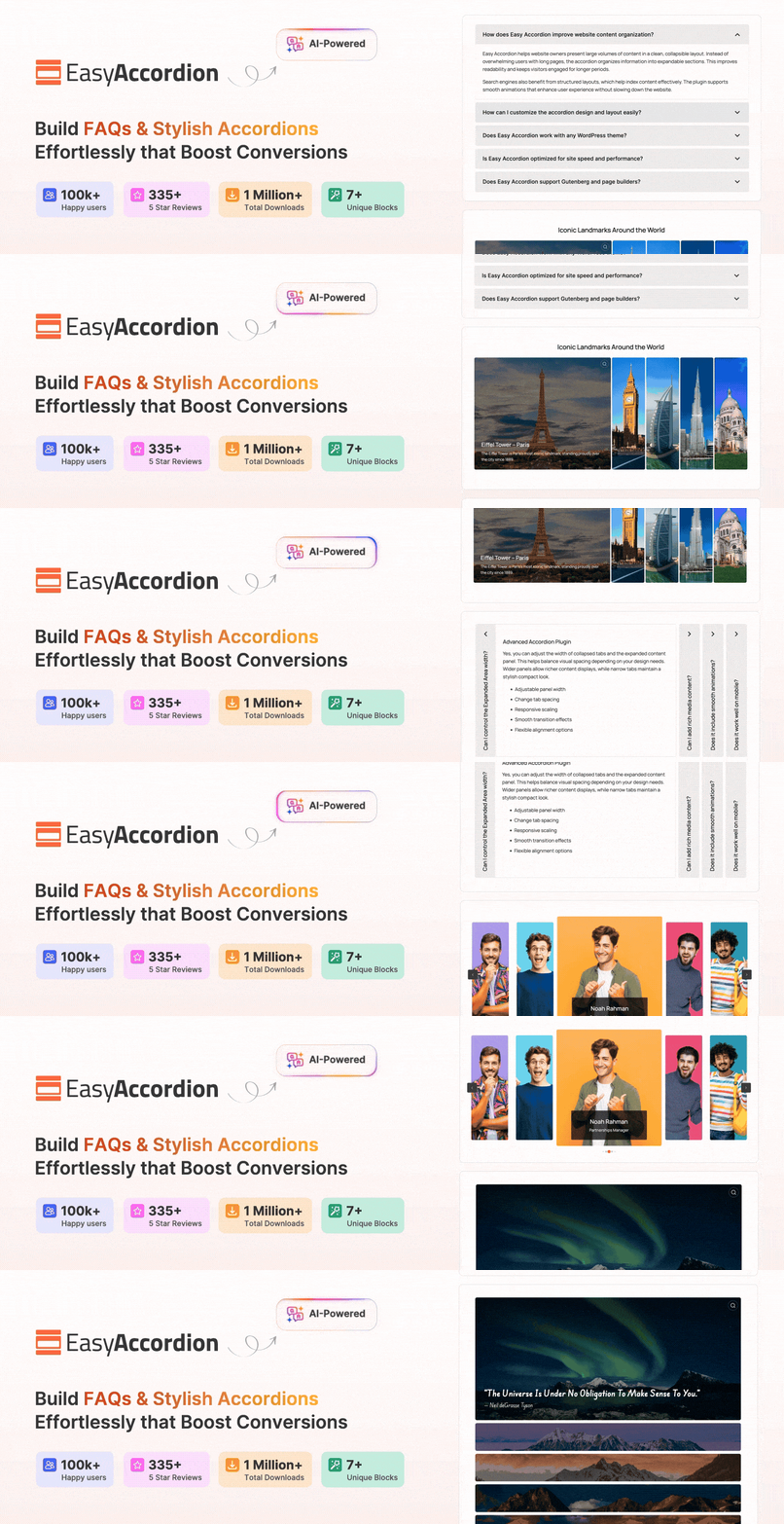
Easy Accordion is one of the most popular and beginner-friendly FAQ plugins for WordPress. It lets you build a clean, responsive FAQ section in minutes, and the free version includes plenty of options that other plugins keep behind a paywall.
Key features:
- Responsive and mobile-ready
- Lightweight, fast and reliable
- Clean, intuitive admin panel
- Multiple FAQ display styles
- Collapsible or toggle accordions (open several at once)
- Drag-and-drop FAQ sorting
- Open on click or on mouse hover
- Expand and collapse icons with styling options
- Unlimited colors and unique settings for each accordion
- RTL support, translation-ready and custom CSS
Best for: Anyone who wants a powerful, free FAQ plugin that’s easy to set up.
Download Easy Accordion | View Live Demo
2. Accordion FAQ
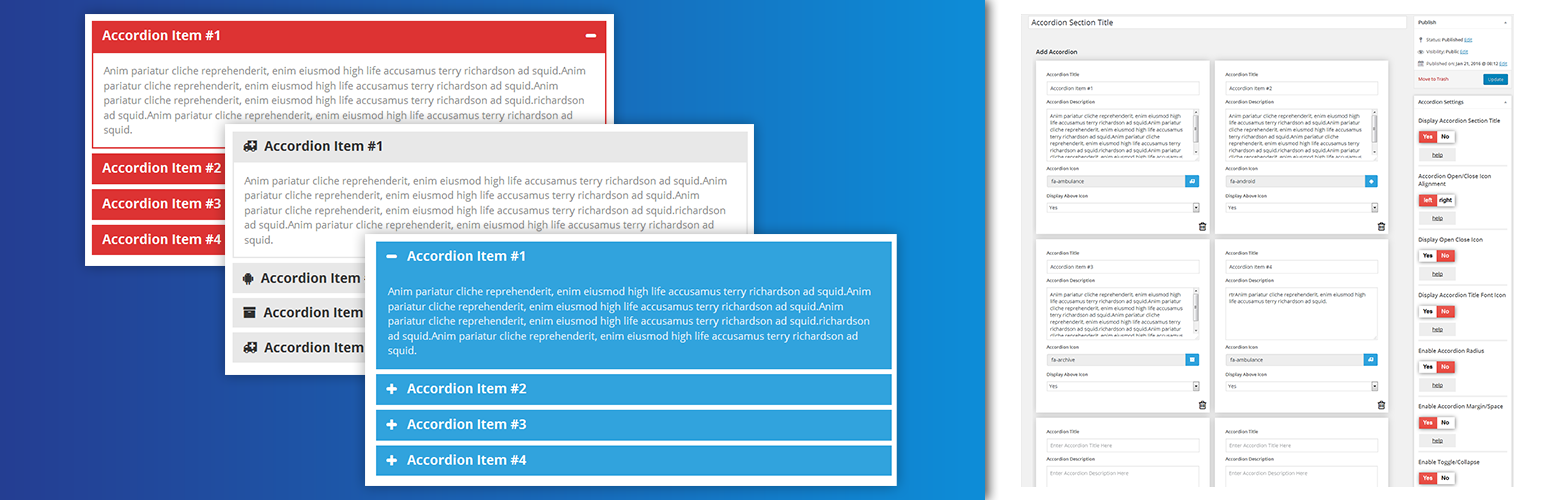
Accordion FAQ (Responsive Accordion and Collapse) is a flexible accordion plugin with colorful designs and icon support. It’s built on Bootstrap, so the accordions feel familiar and work well across devices.
Key features:
- Responsive and mobile-friendly
- Unlimited accordions anywhere on your site
- Drag-and-drop accordion items
- Unlimited color options
- Bootstrap framework
- Font Awesome icon support
Best for: Sites that want colorful accordions with icons.
3. Arconix FAQ

Arconix FAQ uses a custom post type to manage your questions, so adding an FAQ feels just like writing a WordPress post. You can organize questions into groups and show them with a simple shortcode.
Key features:
- Custom post type for FAQs
- jQuery toggle and accordion display
- Shortcode support
- FAQ group taxonomy
- Fully responsive
Best for: Users who want a simple, post-style way to manage FAQs.
4. Ultimate FAQ
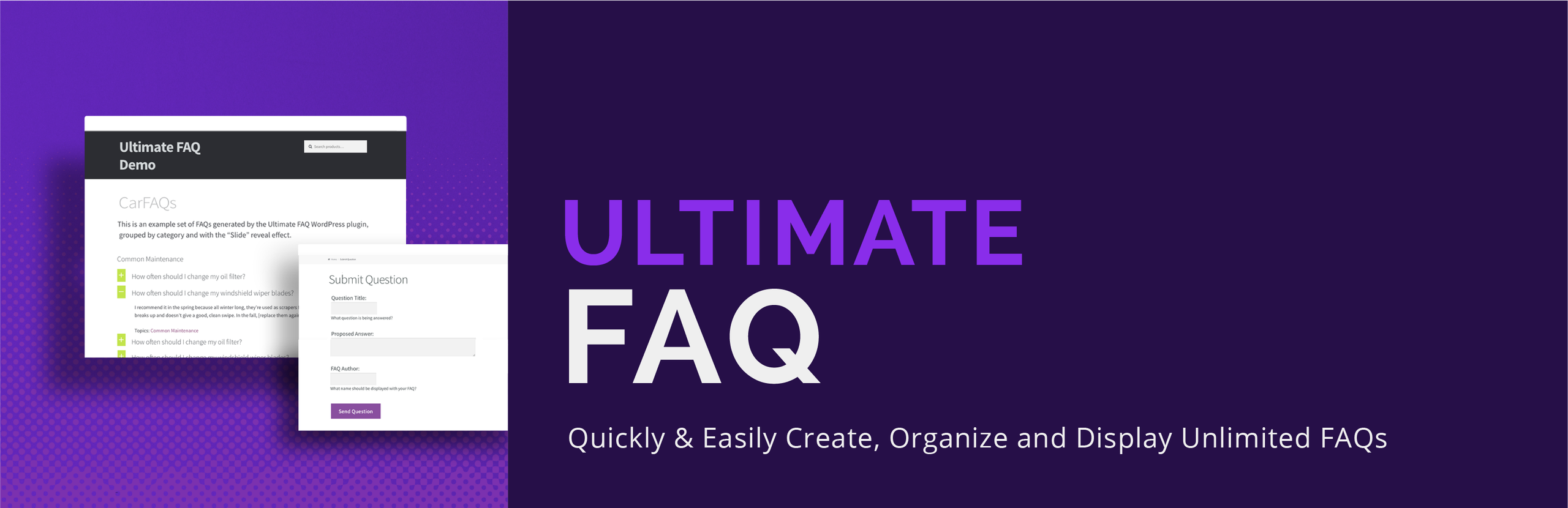
Ultimate FAQ is a user-friendly plugin with a responsive accordion layout and a dedicated Gutenberg block. It’s a strong pick if you build pages with the block editor and have lots of questions to organize.
Key features:
- Complete FAQ creation and management
- FAQ shortcode and Gutenberg FAQ block
- Unlimited FAQ categories and tags
- Responsive accordion layout
- Group FAQ option
- Custom CSS for the FAQ layout
- Translation-ready
Best for: Gutenberg users with large, categorized FAQ pages.
5. Smart Tabs
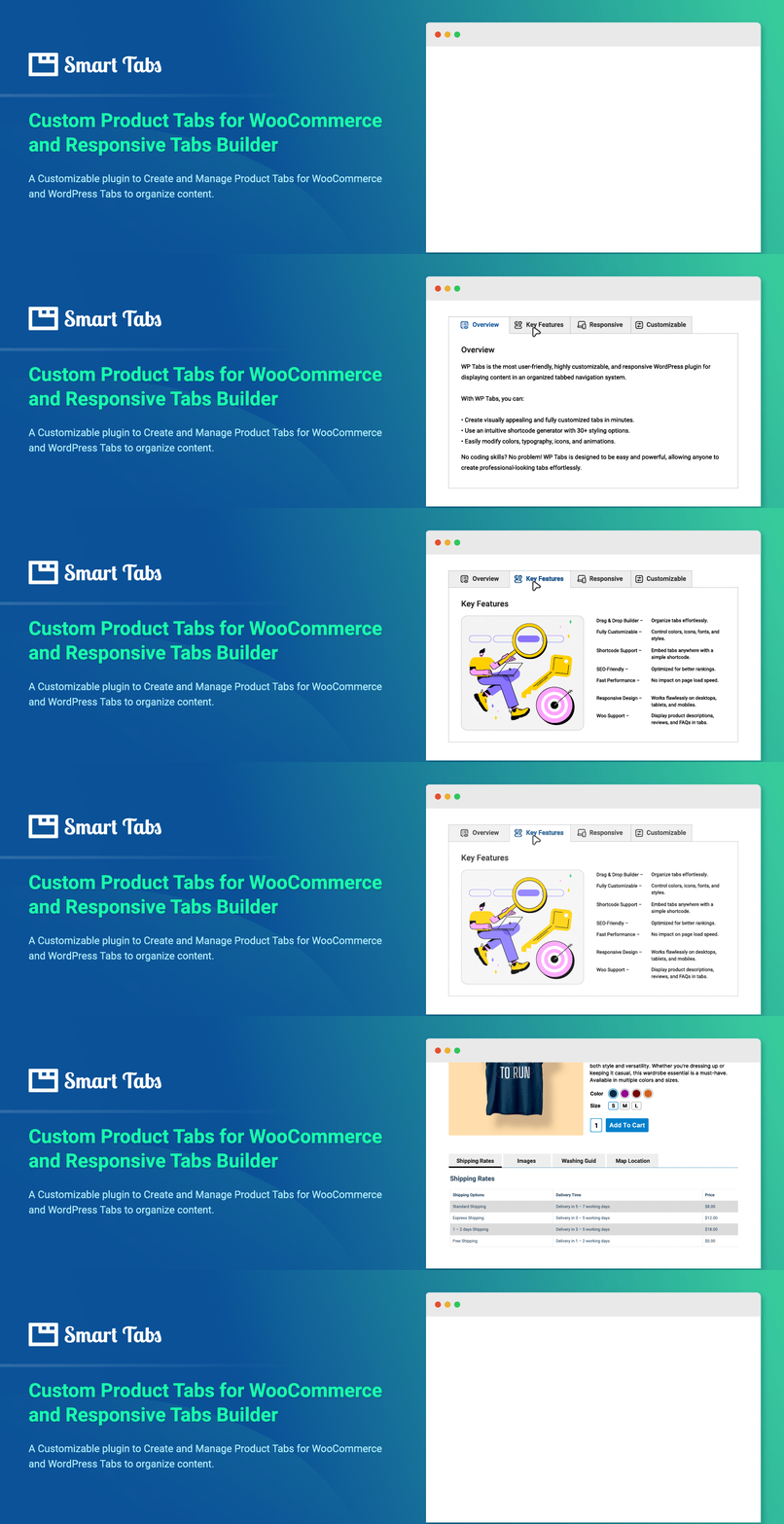
Smart Tabs is primarily a tabs plugin, but it’s a great way to organize FAQs by topic, such as Shipping, Payments and Returns, each in its own tab. It’s lightweight and comes with a clean admin panel.
Key features:
- Fast and lightweight
- Mobile-friendly
- Clean, intuitive admin panel
- 30+ styling options
- Sort, clone and delete tab items
- Drag-and-drop integrated
- No coding skills required
- Widget support and custom CSS field
Best for: Sites that want to split FAQs into tabbed topics.
Download Smart Tabs | View Live Demo
6. Lightweight Accordion
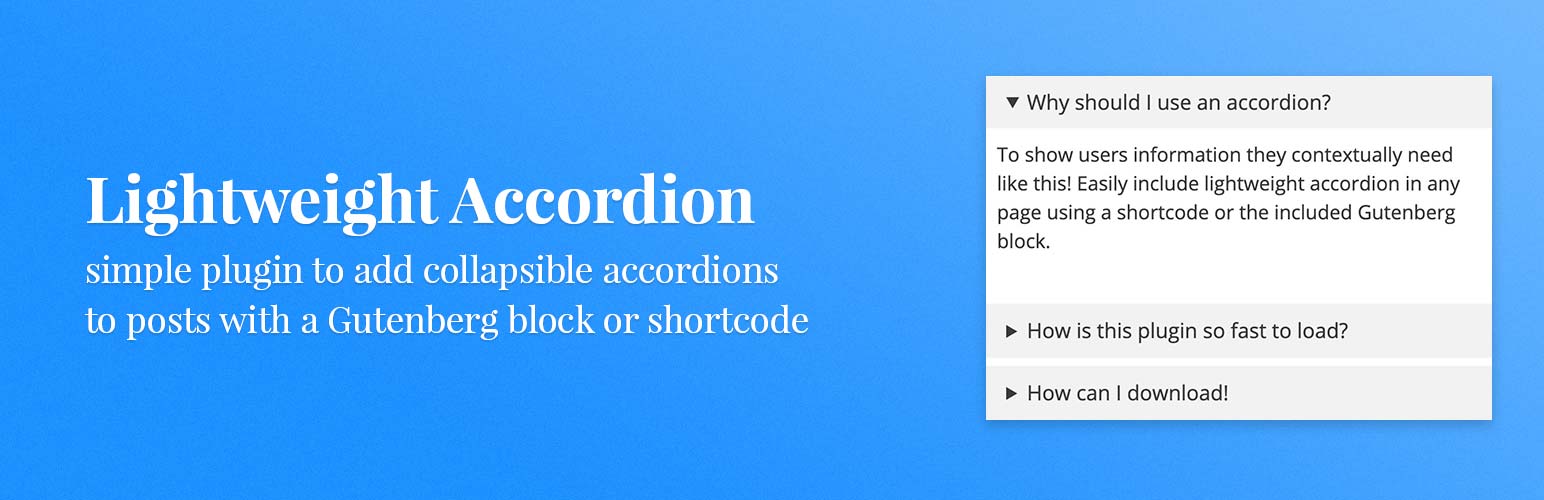
True to its name, Lightweight Accordion keeps things minimal. It adds simple, responsive accordions without loading extra scripts you don’t need, which makes it ideal for speed-focused sites.
Key features:
- Lightweight and responsive
- Shortcode support
- Easy to use
- Customizable
Best for: Site owners who care most about page speed.
Download Lightweight Accordion
7. Accordions by PickPlugins
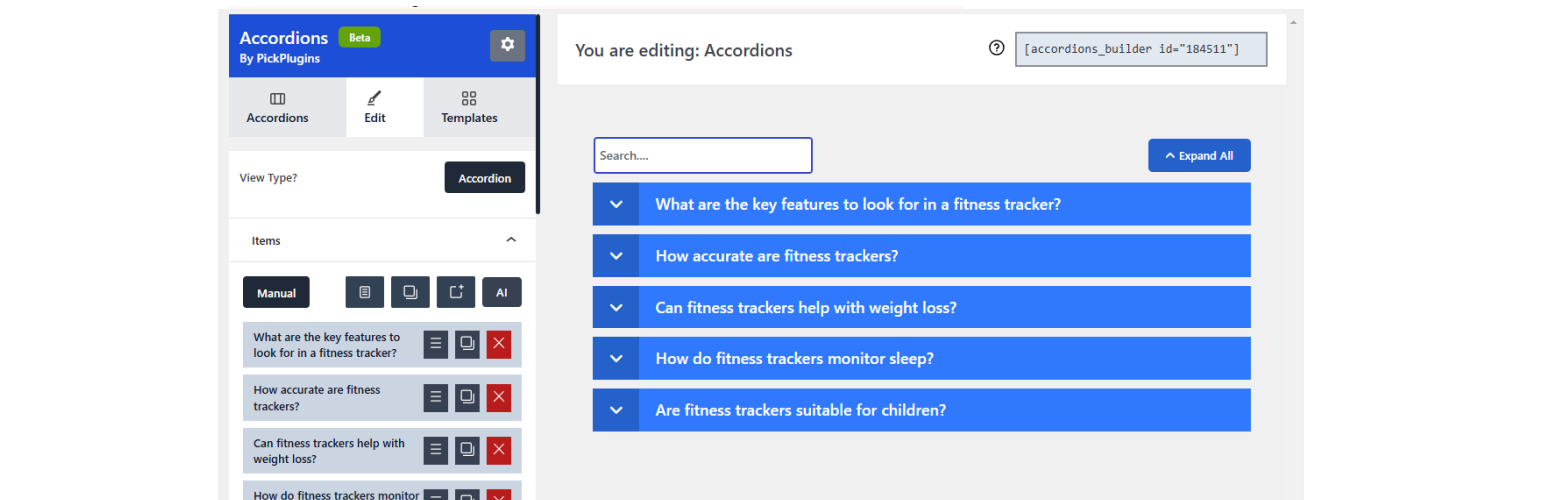
Accordions lets you create accordions, tabs, and FAQ sections, including FAQs for WooCommerce products. The Pro version adds nested accordions and expand/collapse-all buttons.
Key features:
- Responsive accordions and tabs
- Display via shortcode
- Custom icons
- Header, content and container styles
- Import data from other accordion plugins
- Nested/multi-level accordions (Pro)
- Expand/collapse all button (Pro)
Best for: Stores and sites that need nested or WooCommerce FAQs.
8. Quick and Easy FAQs

Quick and Easy FAQs lets you add FAQs as a custom post type and display them with a Gutenberg block or shortcode. Its standout feature is filterable FAQ groups, so visitors can jump straight to the topic they care about.
Key features:
- List, accordion or toggle display styles
- FAQs in groups and filterable groups
- RTL (right-to-left) language support
- Custom CSS box
- Translation-ready
- Detailed documentation
Best for: Sites that want visitors to filter FAQs by topic.
9. Advanced FAQ Manager
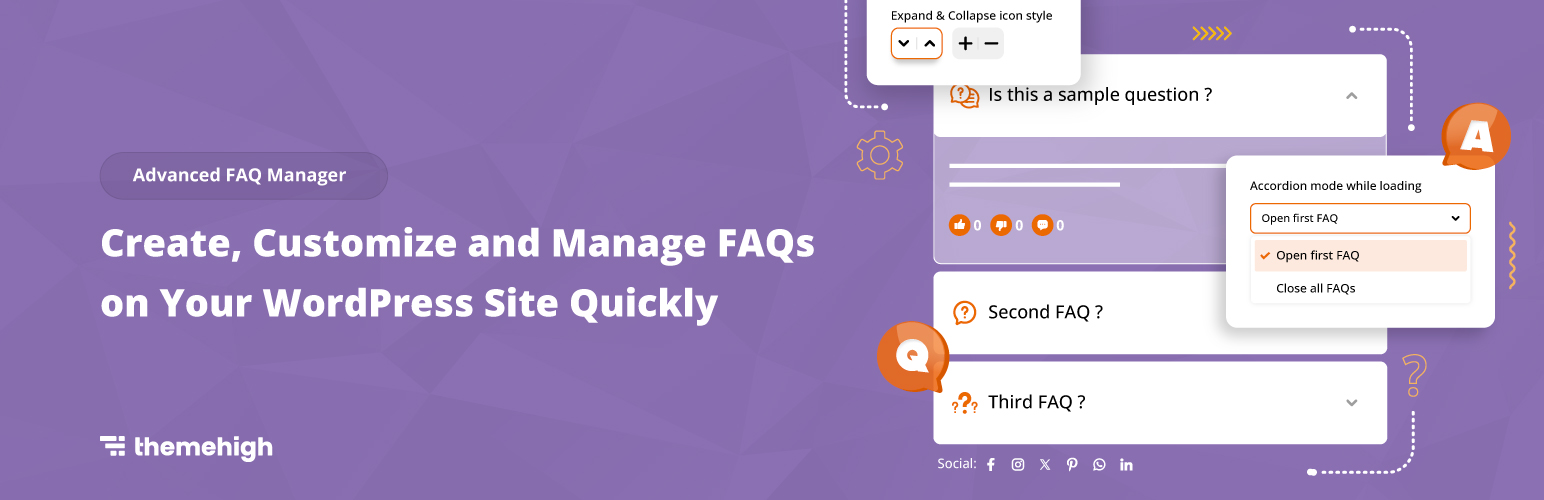
Advanced FAQ Manager helps you manage FAQs by category and publish a whole set with a single click. It also supports social sharing and widget areas, so you can show FAQs in your sidebar too.
Key features:
- Publish a set or category of FAQs in one click
- Category-wise FAQ management
- Accordion-style display
- Social sharing for FAQs
- FAQ widget support
- Add multiple images to FAQ answers
Best for: Sites that want FAQs in widgets or shareable on social media.
How to Add an FAQ Section in WordPress (Quick Steps)
Here’s how to create an FAQ page using Easy Accordion as an example:
- Go to Plugins → Add New in your WordPress dashboard.
- Search for “Easy Accordion”, then click Install Now and Activate.
- Go to Easy Accordion → Add New and give your FAQ group a title.
- Add each question as an accordion item and write the answer in the content area.
- Choose your layout, icons, colors and open/close behavior in the settings.
- Click Publish, copy the generated shortcode, and paste it into your FAQ page (or use the block/widget in your page builder).
That’s it. Your FAQ section is live and fully responsive.
Frequently Asked Questions
What is the best FAQ plugin for WordPress?
For most users, Easy Accordion is the best choice. It’s free, lightweight, and includes drag-and-drop sorting, multiple styles, and custom CSS. If you use the block editor heavily, Ultimate FAQ is also a great option.
Can I create an FAQ page without a plugin?
Yes. The WordPress block editor includes a Details block that creates a simple collapsible question and answer. A plugin is better when you have many FAQs, need categories, or want more design control.
Do FAQ plugins add FAQ schema?
Some do, and SEO plugins like Rank Math and Yoast include FAQ blocks with schema built in. Keep in mind that Google now shows FAQ rich results mainly for authoritative government and health sites, so treat schema as a bonus rather than a guaranteed ranking boost.
Do FAQ plugins work with Elementor and Gutenberg?
Most do. Shortcode-based plugins like Easy Accordion work in any page builder, and plugins like Ultimate FAQ and Quick and Easy FAQs offer Gutenberg blocks. Check each plugin’s page to confirm compatibility before you install.
Will an FAQ plugin slow down my website?
A lightweight, well-coded plugin has very little impact on speed. To keep your site fast, use one FAQ plugin, avoid loading heavy icon libraries you don’t need, and don’t stack several accordion plugins at once.
Can I group FAQs into categories?
Yes. Ultimate FAQ, Arconix FAQ, WPB Advanced FAQ, Quick and Easy FAQs, and Advanced FAQ Manager all let you organize questions into categories or groups.
Conclusion
A clear FAQ page answers visitors’ questions, cuts down on support requests, and helps people feel confident about your business. The right WordPress FAQ plugin makes it easy to build one.
- If you want a powerful free option, start with Easy Accordion.
- If you build with the block editor, try Ultimate FAQ.
- If you want to organize FAQs by topic in tabs, go with Smart Tabs.
Pick the plugin that fits your needs, set up your FAQ page, and start answering questions before your visitors have to ask.
Have you used any of these plugins? Tell us about your experience in the comments below.
Related reading: Best Team Member WordPress Plugins