Many shoppers search for products by brand first. If someone loves a specific brand, they want to find all of its products in one place, fast. Displaying brands clearly on your store builds trust and makes shopping easier.
That’s where WooCommerce brand plugins come in. They let you create brands, add logos, assign products to each brand, and show them in carousels, grids, widgets, and dedicated brand pages.
In this guide, we compare the 6 best WooCommerce brand plugins so you can choose the right one for your online store.
Quick summary: our top picks
- Best overall (free): Smart Brands for WooCommerce
- Best built-in option: WooCommerce Brands (core feature)
- Best for simple brand pages: Perfect Brands for WooCommerce
- Best for brand hierarchy: YITH WooCommerce Brands Add-On
- Best for SEO markup: Premmerce Brands for WooCommerce
What Is a WooCommerce Brand Plugin?
A WooCommerce brand plugin adds a “Brand” taxonomy to your products, similar to categories and tags. You create each brand once with its name, logo and description, then assign products to it. The plugin then displays brands on product pages, in sidebars, in carousels and on brand archive pages.
Most brand plugins let you:
- Create unlimited brands with logos and descriptions
- Assign one or more brands to each product
- Show the brand on single product pages
- Create a brand archive page that lists all products from one brand
- Display brand logos in a carousel, grid or widget
- Let customers filter products by brand
Does WooCommerce Have Built-In Brands Now?
Yes. Since WooCommerce 9.6 (January 2025), Brands is part of WooCommerce core and turned on by default. You’ll find it under Products → Brands in your dashboard.
The built-in feature covers the basics: creating brands, assigning them to products, brand archive pages and limiting coupons to specific brands. So why use a plugin? Dedicated brand plugins add things core doesn’t focus on, like brand logo carousels, styling controls, layout options, and display settings.
Tip: If you use a separate brand plugin, it may use the same URL slug as the core Brands feature. If brand pages break after setup, disable the core feature or re-save your permalinks under Settings → Permalinks.
Why Add Brands to Your WooCommerce Store?
- Faster product discovery: Brand-loyal shoppers find what they want in fewer clicks.
- More trust: Showing well-known brand logos makes your store feel established and credible.
- Better SEO: Brand archive pages can rank for “[brand] + product” searches.
- Higher sales: A brand carousel on the homepage promotes your best-known brands and drives clicks.
How to Choose the Right Brand Plugin
- Display options: Do you need a carousel, grid, list or just a brand label on product pages?
- Brand archive pages: Make sure each brand gets its own product listing page.
- Filtering: Check whether customers can filter products by brand.
- Compatibility: Confirm it works with your theme, page builder and the latest WooCommerce version.
- Conflicts with core Brands: Check that it plays well with WooCommerce’s built-in Brands feature.
- Active development: Check the “Last updated” and “Tested up to” info on WordPress.org.
Comparison Table: Best WooCommerce Brand Plugins
| Plugin | Free on WordPress.org | Standout Feature | Best For |
|---|---|---|---|
| Smart Brands for WooCommerce | ✅ | Brand carousel with full controls | Most stores |
| Perfect Brands for WooCommerce | ✅ | Simple shortcodes and custom slug | Clean brand pages |
| YITH WooCommerce Brands Add-On | ✅ | Brand hierarchy | Stores with sub-brands |
| Premmerce Brands for WooCommerce | ✅ | Semantic brand markup | SEO-focused stores |
| Brands for WooCommerce (BeRocket) | ✅ | Custom brand pages | Brand descriptions & images |
6 Best WooCommerce Brand Plugins
1. Smart Brands for WooCommerce
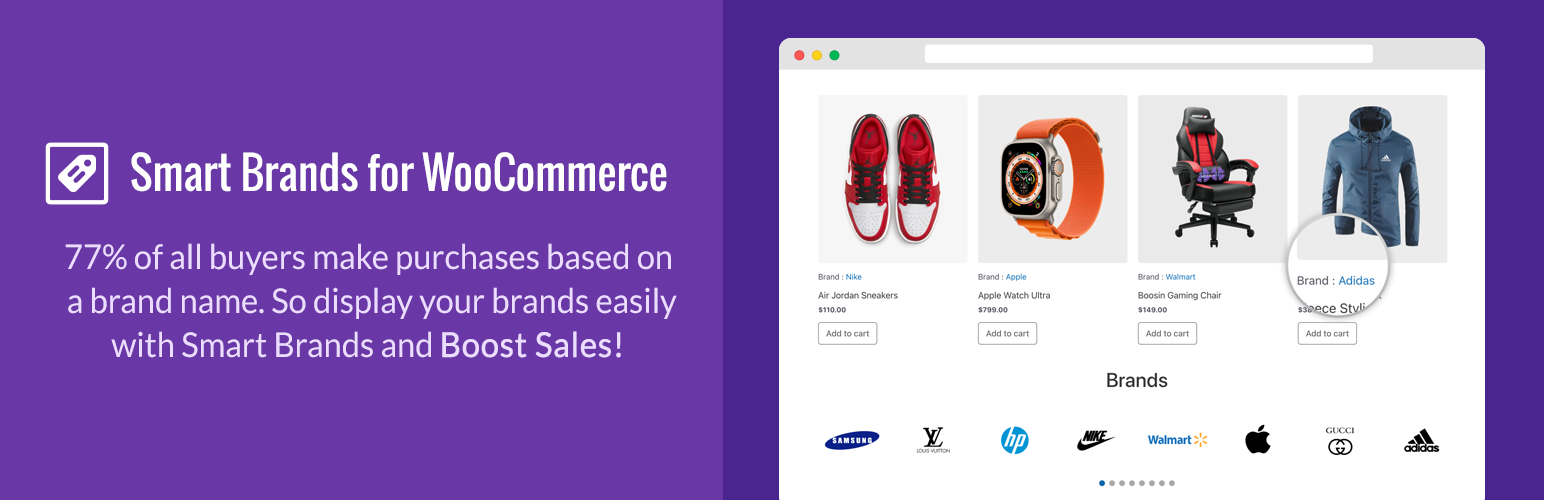
Smart Brands for WooCommerce is a complete brand solution for WooCommerce stores. You can create unlimited brands, assign them to products, and show them in attractive carousels and galleries. It also gives you detailed control over layout, spacing, borders and carousel behavior.
Key features:
- Fully responsive and mobile-ready
- Create unlimited brands with a name, description, logo and custom link
- Assign one or more brands to each product
- Display brands on product detail pages
- Brand archive pages with product counts
- Device-wise column settings
- Order brands by name, date or random
- Custom border, border style, color, hover color and border radius
- Carousel controls: autoplay speed, sliding speed, pause on hover, infinite loop, slides to scroll and navigation/pagination toggles
- Brands in sidebar widgets
- Option to change the brand taxonomy and label
- Custom CSS, page builder compatible, multilingual and RTL-ready
Best for: Store owners who want a feature-rich brand carousel and brand pages for free.
Download Smart Brands | View Live Demo
2. Perfect Brands for WooCommerce
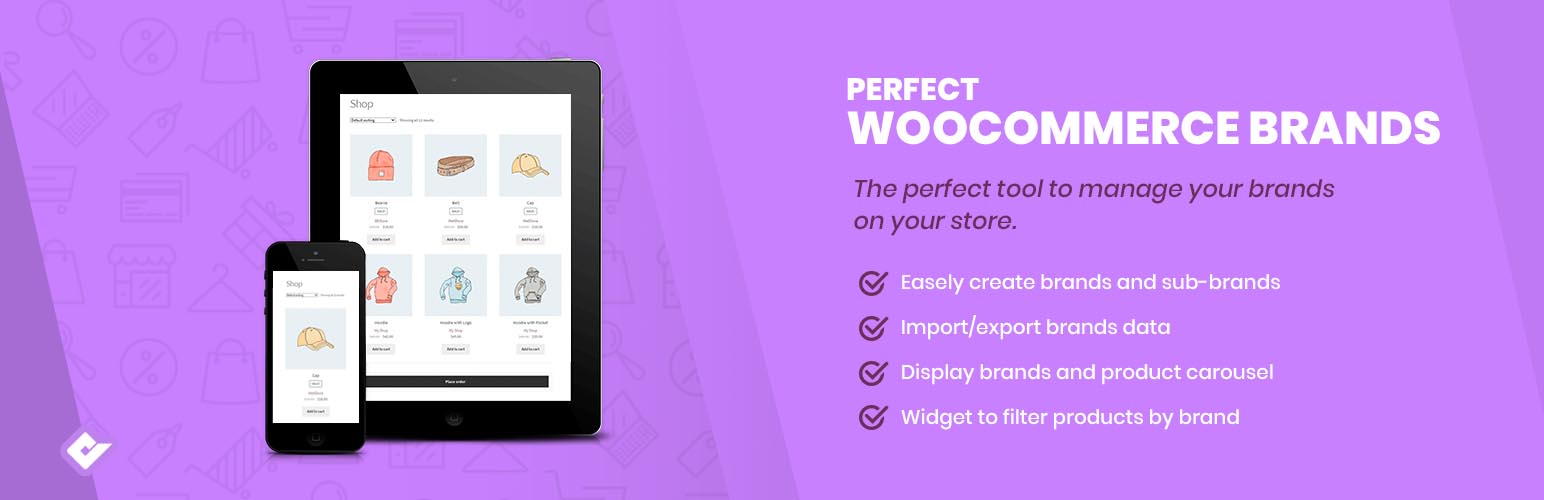
Perfect Brands for WooCommerce is a lightweight, user-friendly plugin for adding brands to your products. It’s easy to set up and gives you shortcodes to display brands anywhere on your store.
Key features:
- Assign brands to products
- Shortcode support
- Customizable brand slug
- Minimal, fully responsive design
- Lightweight and easy to customize
- Translation-ready
Best for: Store owners who want simple, clean brand pages with minimal setup.
3. YITH WooCommerce Brands Add-On
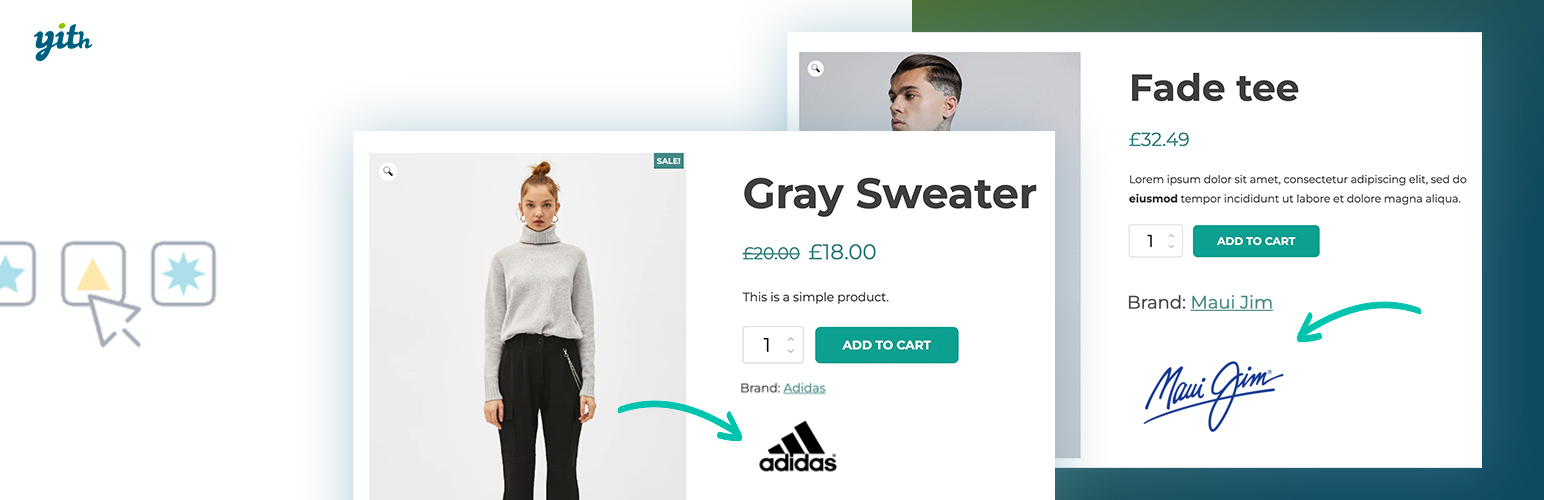
YITH WooCommerce Brands Add-On comes from YITH, one of the best-known WooCommerce developers. Its standout feature is brand hierarchy, which lets you organize parent brands and sub-brands.
Key features:
- Fully responsive
- Brand hierarchy (parent and child brands)
- Assign brands and logos
- Brand showcase on a single page
- Archive page for each brand
- Multilingual and lightweight
Best for: Stores that sell sub-brands or product lines under a parent brand.
Download YITH WooCommerce Brands
4. Premmerce Brands for WooCommerce
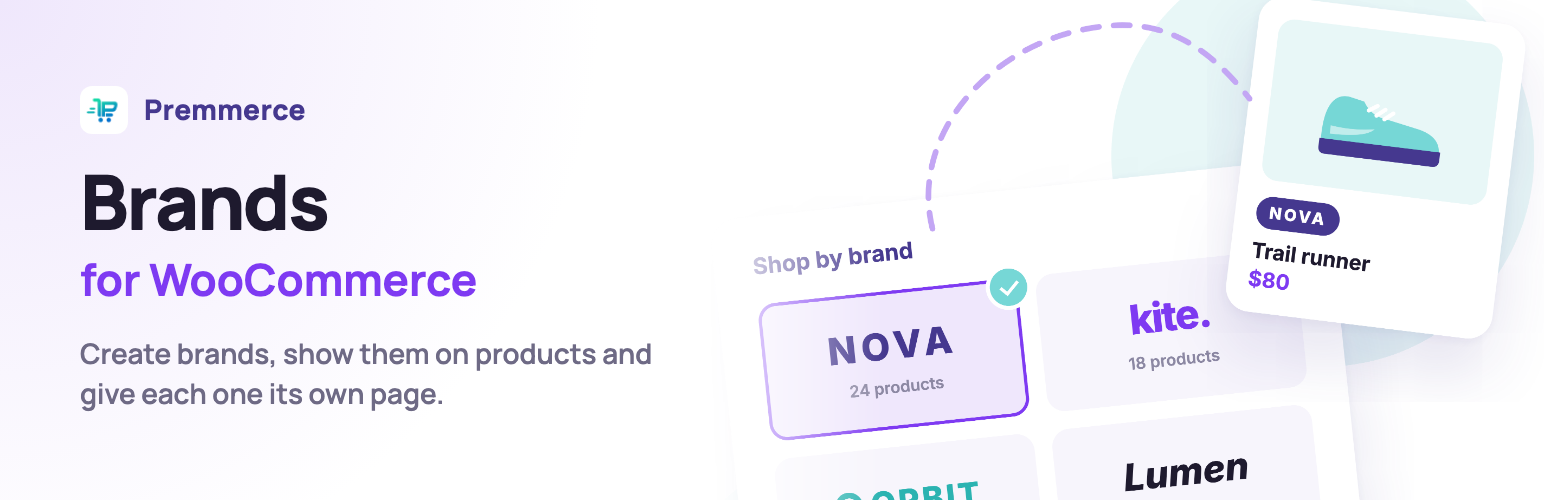
Premmerce Brands for WooCommerce helps you build a better-organized product catalog. It adds semantic brand markup to product pages, which helps search engines understand which brand each product belongs to.
Key features:
- Fully responsive and lightweight
- Add, edit and delete brands easily
- Assign brands to products
- WordPress widgets
- Shortcode for displaying a brand list
- Semantic markup for the brand on product pages
Best for: SEO-focused stores that want structured brand data on product pages.
5. Brands for WooCommerce (BeRocket)
Brands for WooCommerce is a user-friendly plugin that covers all the essentials. It’s a good fit if you want each brand to have its own page with a description and image.
Key features:
- Responsive and lightweight
- Custom image for each brand
- Brand description and image on brand pages
- Custom brand pages
- Shortcode support
- Easy customization
Best for: Stores that want detailed brand pages with images and descriptions.
Download Brands for WooCommerce
How to Add Brands to WooCommerce (Quick Steps)
Here’s how to add a brand carousel using Smart Brands for WooCommerce:
- Go to Plugins → Add New in your WordPress dashboard.
- Search for “Smart Brands for WooCommerce”, then click Install Now and Activate.
- Create your brands and add a name, logo and description for each one.
- Edit your products and assign each one to its brand.
- Configure the brand carousel or grid in the plugin settings (columns, autoplay, navigation, styling).
- Copy the shortcode and paste it into your homepage or any page, then click Publish.
Your brands now appear on product pages, in the carousel and on their own archive pages.
Frequently Asked Questions
What is the best WooCommerce brand plugin?
For most stores, Smart Brands for WooCommerce is the best free choice. It includes brand archive pages, a fully configurable brand carousel and widget support.
Does WooCommerce have a brands feature by default?
Yes. Brands has been part of WooCommerce core since version 9.6 and is enabled by default. It covers basic brand management, while plugins add carousels, layouts and extra styling.
Can I use a brand plugin and WooCommerce core Brands together?
You can, but they may use the same URL slug for brand pages. If you see conflicts, disable one of them or re-save your permalinks.
Can I show brand logos in a carousel?
Yes. Smart Brands for WooCommerce includes a brand carousel with controls for autoplay, speed, loop and navigation.
Will a brand plugin slow down my store?
A lightweight, well-coded plugin has very little impact. Use only one brand plugin, compress your brand logos, and avoid stacking several brand plugins.
Conclusion
Adding brands to your WooCommerce store helps shoppers find products faster and makes your store look more trustworthy.
- For a powerful free brand plugin with carousels, start with Smart Brands for WooCommerce.
- If you only need basic brands, the built-in WooCommerce Brands feature may be enough.
- If brand hierarchy matters, try YITH WooCommerce Brands Add-On.
Pick the option that fits your store and start showing off the brands you sell.
Have you used any of these plugins? Share your experience in the comments below.
Related reading: Best Team Member WordPress Plugins