Elementor is one of the most popular drag-and-drop page builders for WordPress. It lets you design everything from your header to your footer visually, without writing code. But even Elementor has limits, and that’s where Elementor addons come in.
Addons plug extra widgets, templates and features into Elementor, such as mega menus, post grids, WooCommerce builders, forms, sliders and popups. The right addon can save you hours of work and help you build pages that would otherwise need custom code.
In this guide, we compare the 16 best Elementor addons, both free and premium, so you can pick the right one for your website.
Quick summary: our top picks
- Best overall (free): Essential Addons for Elementor
- Best for header, footer and mega menus: ElementsKit
- Best for WooCommerce stores: WooLentor
- Best for contact forms: MetForm
- Best for sliders: Prime Slider
What Is an Elementor Addon?
An Elementor addon is a WordPress plugin that extends the Elementor page builder. It adds new widgets, templates or features that appear right inside the Elementor editor, so you can drag them onto your page like any built-in element.
Most Elementor addons give you:
- Extra widgets like post grids, team members, testimonials, pricing tables and countdown timers
- Ready-made page and section templates you can import in one click
- Theme-building tools such as header, footer and mega menu builders
- WooCommerce widgets for product grids, shop pages and checkout
- Extensions like parallax effects, sticky sections, conditional display and custom CSS
Why Use Elementor Addons?
Elementor’s free version covers the basics, but addons fill the gaps:
- More design options: Get widgets and layouts that Elementor doesn’t include by default.
- Faster building: Ready-made templates and sections let you launch pages in minutes.
- Lower cost: Many free addons offer features that would otherwise need Elementor Pro.
- Specialized tools: Add WooCommerce builders, forms, sliders or mega menus without extra coding.
How to Choose the Right Elementor Addon
Every addon adds code to your site, so pick carefully. Look for:
- Modular widgets: The ability to turn off widgets you don’t use keeps your site light.
- Performance: Lightweight code helps your page speed and Core Web Vitals.
- The features you need: A WooCommerce store needs different tools than a blog or portfolio.
- Template library: Ready-made templates speed up your workflow.
- Active development: Check the “Last updated” date and “Tested up to” version on WordPress.org.
- Security track record: Choose addons from established developers that patch issues quickly.
- Support and documentation: Good docs save hours of trial and error.
Tip: Avoid installing several large addon packs at once. Pick one main addon, then add a specialized one (like a form or WooCommerce addon) only if you need it.
Comparison Table: Best Elementor Addons
| Addon | Free Version | Pro Version | Templates | WooCommerce Widgets | Best For |
|---|---|---|---|---|---|
| Essential Addons | ✅ | ✅ | ✅ | ✅ | Most users |
| ElementsKit | ✅ | ✅ | ✅ | ✅ | Header, footer & mega menus |
| Ultimate Addons (UAE) | ✅ | ✅ | ✅ | ✅ | Header & footer builder |
| Happy Addons | ✅ | ✅ | ✅ | ✅ | Creative effects |
| Premium Addons | ✅ | ✅ | ✅ | ✅ | Multilingual sites |
| PowerPack | ✅ | ✅ | ✅ | ✅ | Creative widgets |
| HT Mega | ✅ | ✅ | ✅ | ✅ | Large block library |
| WooLentor | ✅ | ✅ | ✅ | ✅ | WooCommerce stores |
| Exclusive Addons | ✅ | ✅ | ✅ | – | Icon-heavy designs |
| Elementor Addon Elements | ✅ | ✅ | – | – | Lightweight setups |
| WPB Addons | ✅ | – | – | – | Simple extra widgets |
| MetForm | ✅ | ✅ | ✅ | – | Contact forms |
| Post Grid Elementor | ✅ | ✅ | – | – | Blog post grids |
| Image Hover Effects | ✅ | ✅ | – | – | Image hover effects |
| Prime Slider | ✅ | ✅ | ✅ | – | Hero sliders |
16 Best Elementor Addons
1. Essential Addons for Elementor
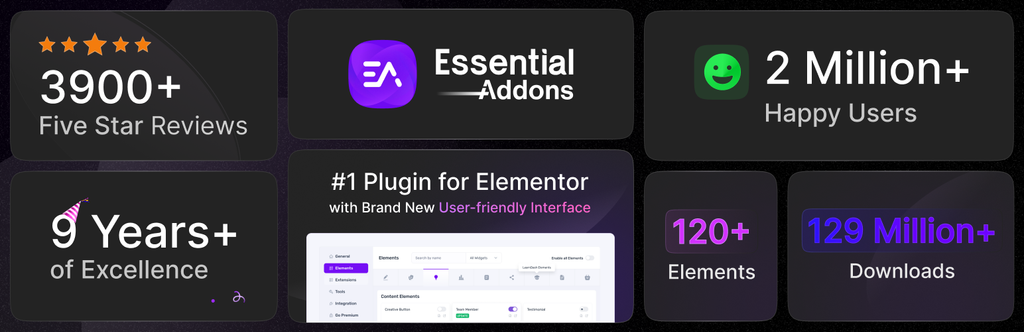
Essential Addons for Elementor is one of the most widely used Elementor addon plugins. It packs a large library of widgets and extensions into a modular plugin, so you can switch on only the elements you need and keep your site fast.
Key features:
- 40+ free widgets and extensions
- Post grid and post timeline
- Team member and testimonial widgets
- WooCommerce product grid and carousel
- Pricing tables, advanced tabs and accordions
- Progress bars and content toggles
- Modular design to disable unused widgets
Best for: Anyone who wants one powerful, all-purpose free addon.
2. ElementsKit
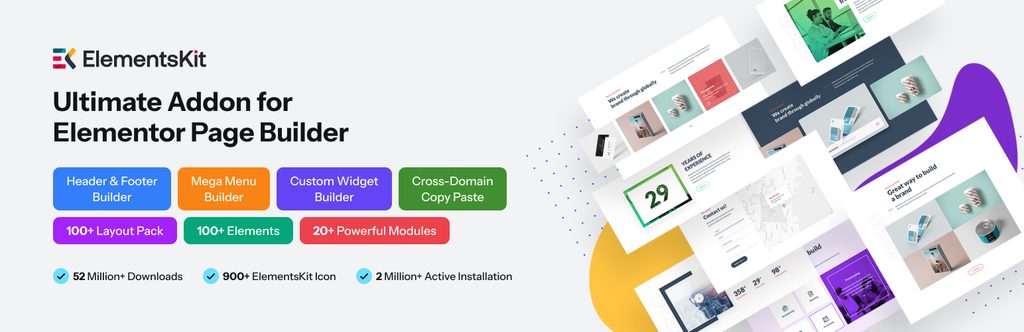
ElementsKit is an all-in-one addon that goes beyond widgets. Its header and footer builder and mega menu builder let you design your whole site layout inside Elementor.
Key features:
- Header and footer builder with display conditions
- Mega menu builder, including vertical mega menus
- Widget builder for creating your own widgets
- 70+ widgets
- Pre-designed header, footer and page templates
- Ready-made sections
- WooCommerce widgets
- One-page scroll, sticky content and parallax effects
- Cross-domain copy and paste
Best for: Users who want to build headers, footers and mega menus without Elementor Pro.
3. Ultimate Addons for Elementor
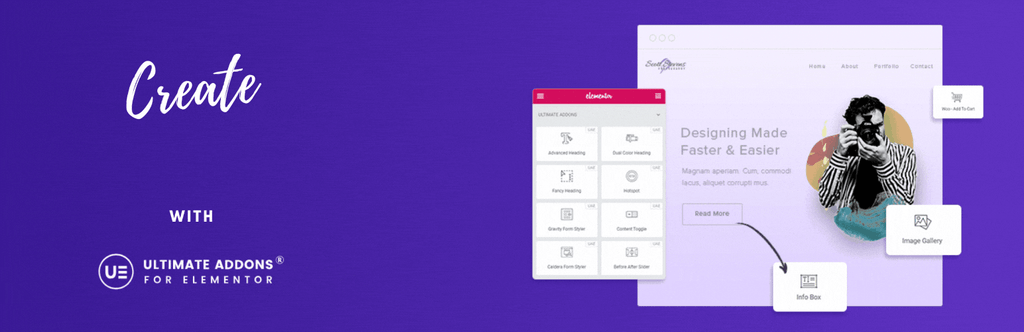
Ultimate Addons for Elementor (UAE), from the team behind the Astra theme, started as a popular free header and footer builder and has grown into a full addon pack. It’s lightweight and works especially well with Astra and other popular themes.
Key features:
- Header and footer builder for any theme
- Advanced widgets and ready-made templates
- Lightweight, performance-focused code
- WooCommerce widgets
- Compatible with popular themes and WPML
- Extensions you can turn on or off
Best for: Users who want a reliable header and footer builder plus extra widgets.
Download Ultimate Addons for Elementor
4. Happy Addons
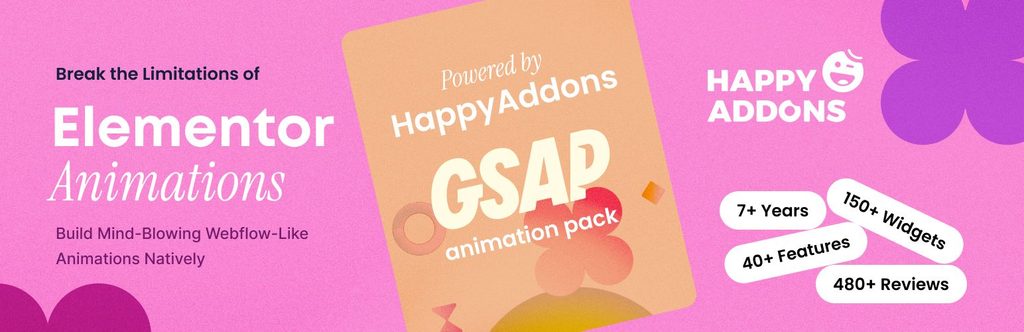
Happy Addons combines a big widget library with creative features that solve common design problems. Its ready-made template kits make it easy to get started.
Key features:
- Large collection of free widgets
- Ready-made template kits
- Advanced background and parallax effects
- Floating effects and CSS transforms
- Fully responsive
Best for: Designers who want creative effects and polished templates.
5. Premium Addons for Elementor
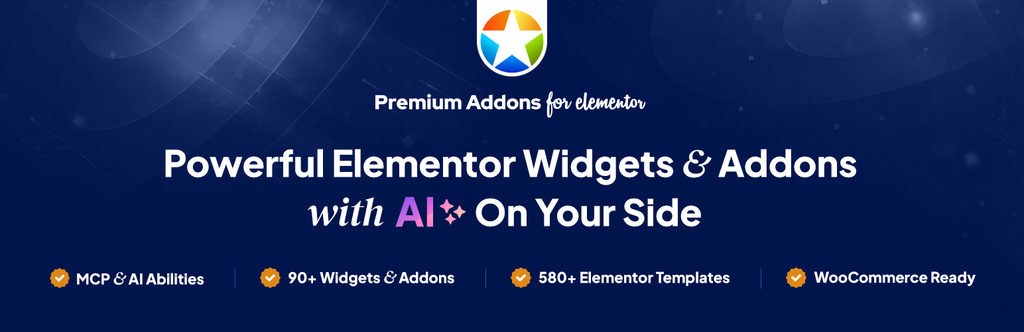
Despite its name, Premium Addons has a generous free version. It offers a wide range of customizable widgets, templates and extensions that make building pages faster and more enjoyable.
Key features:
- Large library of customizable widgets
- Ready-made templates
- WPML ready for multilingual sites
- Cross-browser compatible
- Fully responsive
Best for: Multilingual websites that need a feature-rich free addon.
6. PowerPack Addons for Elementor
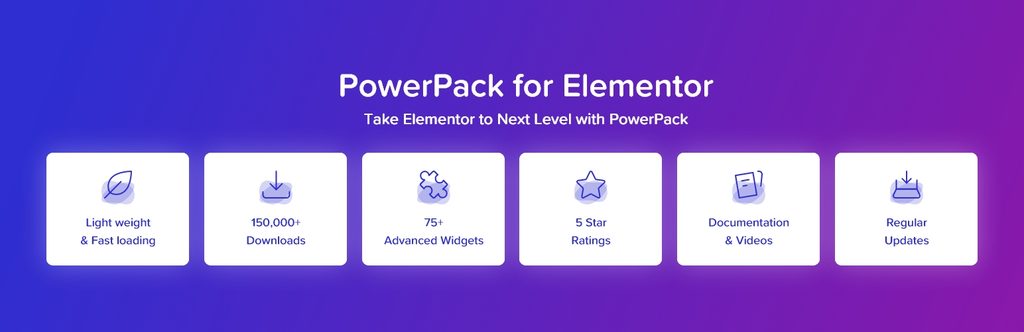
PowerPack extends Elementor with creative widgets and extensions. Its free Lite version already includes plenty of useful elements, and the Pro version adds many more.
Key features:
- 30+ widgets in the free version
- 60+ widgets and extensions (Pro)
- Unique, creative widget designs
- Fully customizable
- User-friendly controls
Best for: Users who want creative, ready-to-use widgets.
7. HT Mega Addons
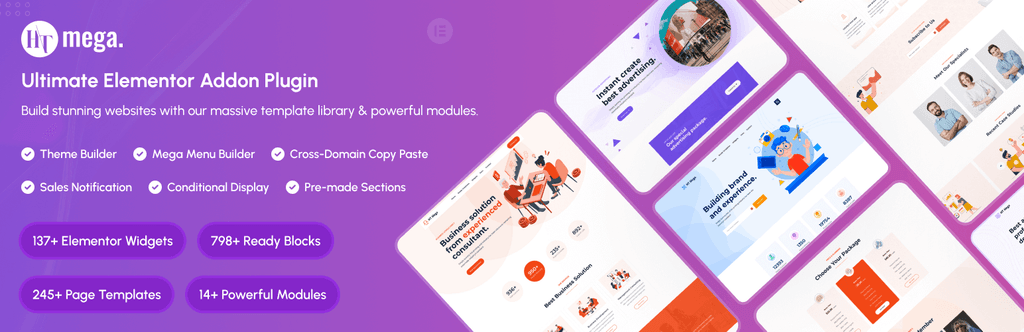
HT Mega stands out for its huge library of elements and pre-made blocks. It also includes handy tools like a menu builder and sales notifications.
Key features:
- 80+ elements
- Hundreds of pre-made blocks
- Menu builder
- Sales notifications
- Responsive and fast
- Fully customizable
Best for: Users who want a large library of ready-made blocks.
8. WooLentor (WooCommerce Elementor Builder)
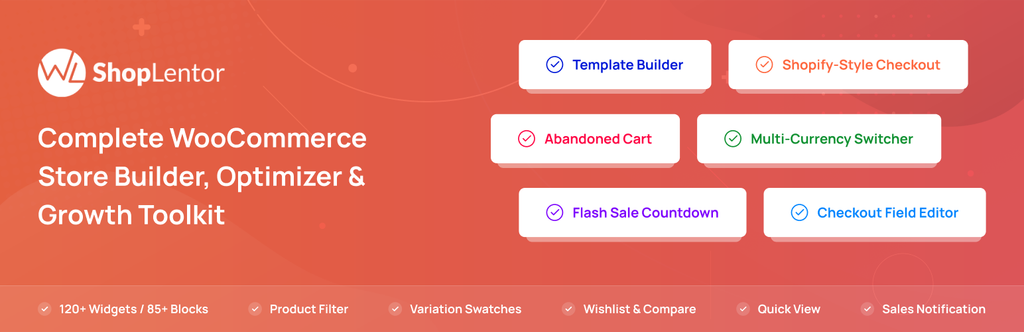
WooLentor is built specifically for WooCommerce stores. It lets you design custom product, shop and archive pages in Elementor, with 40+ product layouts and plenty of sales-boosting features.
Key features:
- WooCommerce template builder
- Custom product page and shop page builder
- Product grid, slider and tabs
- Sale and discount countdown timers
- Sales notifications and special offer banners
- Call for price and product QR codes
- Product accordion and image accordion
- Ajax search widget
Best for: WooCommerce store owners who want full control over product and shop pages.
9. Exclusive Addons for Elementor
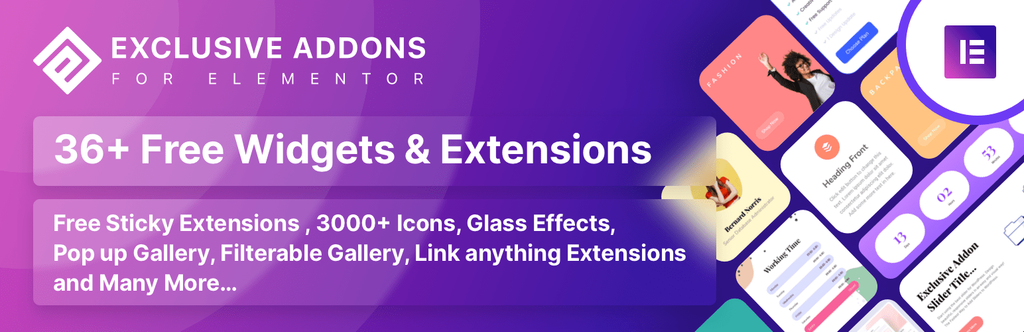
Exclusive Addons offers trendy designs with lots of customizable widgets, extensions, pre-made blocks and templates. It’s designed to cut down your page-building effort.
Key features:
- 39+ widgets and extensions
- 3,000+ free icons
- Pre-made blocks and templates
- Highly customizable
- Detailed documentation
Best for: Users who want modern designs and a huge icon library.
10. Elementor Addon Elements
Elementor Addon Elements adds a set of useful elements and extensions without weighing your site down. It’s a flexible, easy-to-use choice when you only need a few extra widgets.
Key features:
- 24+ elements and extensions
- Lightweight code
- Responsive and fast
- Easily customizable
- Option to enable only the elements you need
Best for: Site owners who want extra widgets with minimal impact on speed.
Download Elementor Addon Elements
11. WPB Addons for Elementor
WPB Addons for Elementor adds a handy set of widgets such as news tickers, timelines, team members, services and testimonials. It’s simple to use and comes with good documentation.
Key features:
- News ticker, timeline and post slider widgets
- Team, services and testimonial widgets
- Fully customizable
- Highly responsive
- Detailed documentation
Best for: Users who want a simple set of extra content widgets.
Download WPB Addons for Elementor
12. MetForm
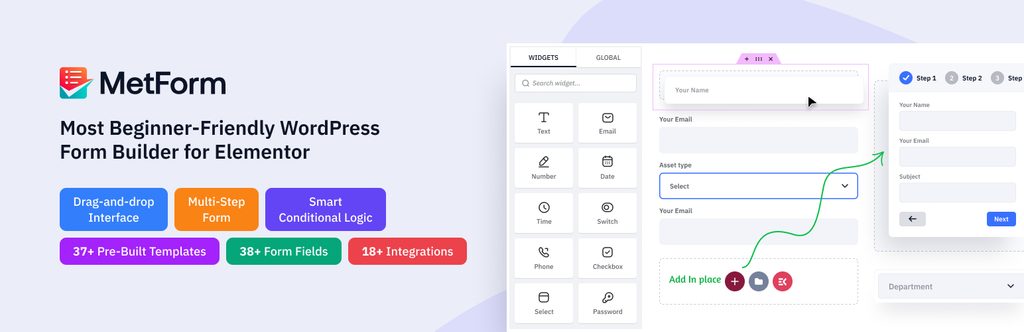
MetForm is a form builder addon that lets you create and manage forms right inside Elementor. You can build contact forms, surveys and more using the drag-and-drop editor you already know.
Key features:
- Drag-and-drop form building in Elementor
- User confirmation and admin notification emails
- Entries saved in the admin panel
- Export entries as CSV
- Option to require login before submitting
- Ready-made form templates
Best for: Anyone who needs contact or lead forms without a separate form plugin.
13. Post Grid Elementor Addon
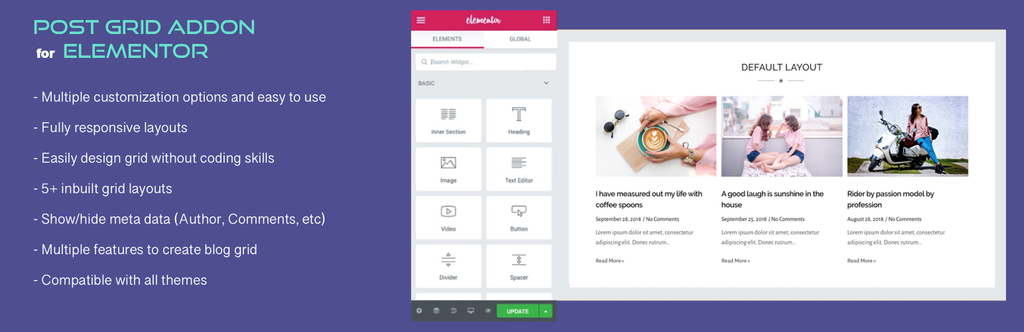
Want to show your blog posts in a beautiful grid? Post Grid Elementor Addon does exactly that, with multiple layouts and styling options. A premium version is also available.
Key features:
- Multiple post grid layouts
- Advanced customization options
- Fully responsive
- Simple, focused setup
Best for: Blogs that want attractive post grids on the homepage or archive pages.
Download Post Grid Elementor Addon
14. Image Hover Effects for Elementor

Image Hover Effects adds eye-catching hover animations to your images. You can change backgrounds, align text and set borders to create interactive image boxes.
Key features:
- Many hover effect styles
- Highly customizable
- Easy to use
- WPML compatible
- SEO friendly
Best for: Portfolios and creative sites that want interactive image effects.
15. Prime Slider

Prime Slider focuses on stylish, modern sliders. It’s packed with trendy slider designs that make great hero sections for landing pages and homepages.
Key features:
- Many slider styles and skins
- Unique free widgets
- Fully responsive
- Easy to use
Best for: Sites that want an eye-catching hero slider.
How to Install an Elementor Addon (Quick Steps)
Here’s how to add an Elementor addon using Essential Addons as an example:
- Make sure Elementor is installed and active.
- Go to Plugins → Add New in your WordPress dashboard.
- Search for “Essential Addons for Elementor”, then click Install Now and Activate.
- Open the addon’s settings page and turn off any widgets you don’t plan to use.
- Edit a page with Elementor and search for the new widgets in the left panel.
- Drag a widget onto your page, customize it, and click Publish.
That’s it. Your new widgets are ready to use.
Frequently Asked Questions
What is the best Elementor addon?
For most users, Essential Addons for Elementor is the best place to start. It has a large free widget library and lets you disable unused widgets. If you need headers, footers and mega menus, ElementsKit is a great choice.
Are there free Elementor addons?
Yes. Every addon on this list has a free version on WordPress.org. Many also offer a Pro version with extra widgets and templates.
Do I need Elementor Pro to use addons?
No. These addons work with the free version of Elementor. Some even include features, like header and footer builders, that are normally part of Elementor Pro.
Can I use more than one Elementor addon at the same time?
Yes, but it’s best to keep the number low. Using several large addon packs adds extra code and can slow your site down. Pick one main addon and add specialized ones only when needed.
Will Elementor addons slow down my website?
A well-coded addon has little impact on speed, especially if it lets you disable unused widgets. To stay fast, only activate what you use, optimize your images, and use a caching plugin.
Are Elementor addons safe to use?
Addons from established developers that update regularly are generally safe. Before installing, check the “Last updated” date on WordPress.org, keep your plugins updated, and remove addons you no longer use.
Conclusion
The right Elementor addon can turn Elementor into a much more powerful page builder, without the need for custom code.
- If you want a powerful all-purpose free option, start with Essential Addons.
- If you need headers, footers and mega menus, go with ElementsKit or Ultimate Addons for Elementor.
- If you run an online store, try WooLentor.
Pick the addon that fits your needs, keep your setup lean, and start building better pages.
Have you used any of these Elementor addons? Tell us about your experience in the comments below.